ACLClouds
ARK game server hosting
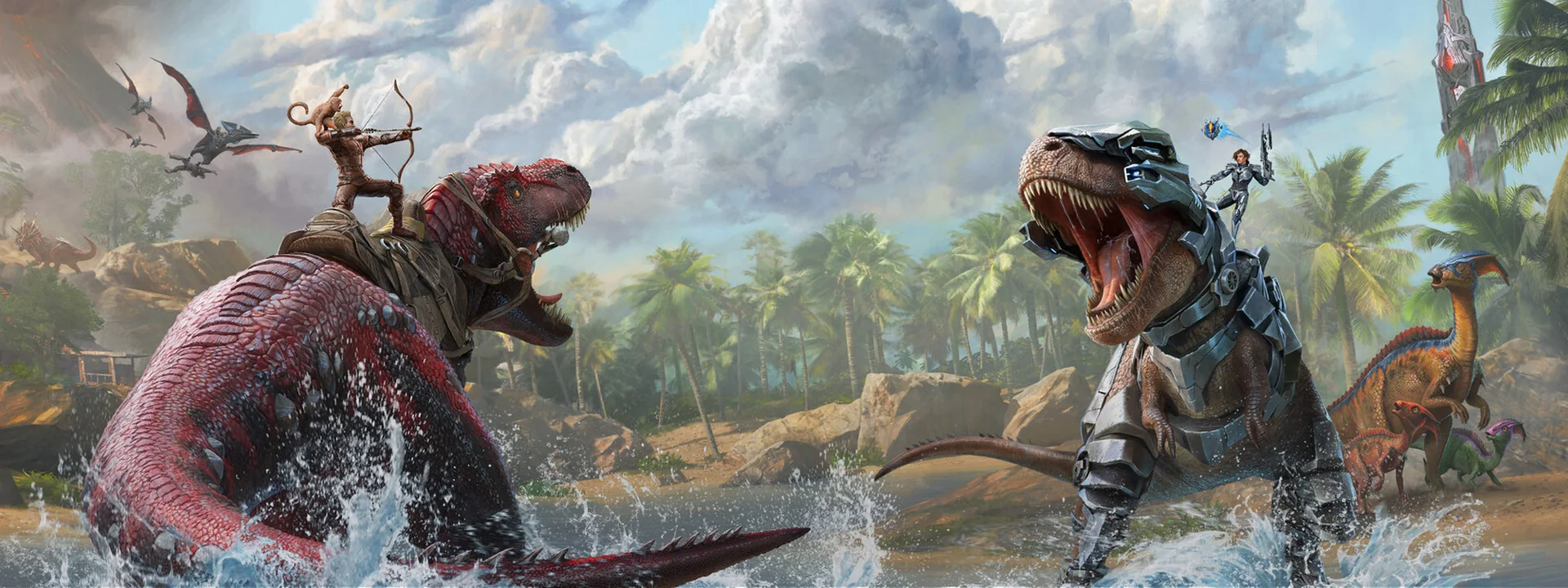
ARK server hosting for your tribe: dinosaurs, crafting, official maps and custom rates, with console, files and backups in the ACLClouds panel.
Plans and prices
- Alpha: €4.79 per month incl. VAT with a 1-year term (or €5.99 per month with no commitment) · 3 vCPU · 8 GB RAM · 50 GB storage
- Titan: €7.99 per month incl. VAT with a 1-year term (or €9.99 per month with no commitment) · 5 vCPU · 12 GB RAM · 80 GB storage
- Apex: €11.99 per month incl. VAT with a 1-year term (or €14.99 per month with no commitment) · 7 vCPU · 16 GB RAM · 120 GB storage
What running an ARK server involves.
ARK comes in two versions that don’t mix: ARK Survival Evolved, the original with its Steam Workshop mods, and ARK Survival Ascended, the Unreal Engine 5 remake with its CurseForge mods. The server must match the version your players have installed.
A game is built around a map (The Island, Ragnarok, Valguero…) and rate settings. To go further, several servers can form a cluster: with the same cluster ID, players transfer characters, items and creatures from one map to another.
Everything for your ARK server
Panel and console
Start, stop and monitor your server in real time from the ACLClouds panel.
Files and configuration
Access files, startup settings and variables to tailor your instance.
Network protection
DDoS protection is included to keep your community online.
Scalable resources
Compare RAM, vCPU and storage on each plan, then switch plans whenever you need.
Console, files and network protection
Anti-DDoS protection
Network protection is built into every game server.
Real-time console
Start, stop and monitor your server directly from the panel.
Files and configuration
Maintain control over startup files, settings, and variables.
Right-sized resources
RAM, vCPU and storage are sized to your project, and you can change plans at any time.
Frequently asked questions
Should I choose ARK Survival Evolved or ARK Survival Ascended?
Go with the version your players own: an ARK Survival Ascended client can’t join a Survival Evolved server, and vice versa. Ascended is the Unreal Engine 5 remake and needs more resources; Evolved remains the original, with its large catalog of Steam Workshop mods.
What is an ARK cluster?
A cluster links several ARK servers, often one per map, with the same cluster ID and a shared transfer folder: players travel between them with their character, items and creatures. Each map in the cluster remains a full server in its own right.
How do I protect my tribe’s progress?
ARK saves the world regularly, but an update or a faulty mod can corrupt a save. Keep backups from the ACLClouds panel and restore them when needed, with the server stopped.
Can I change plans later?
Yes. Compare the RAM, vCPUs and storage of each plan, then switch plans if your ARK server needs more resources.